


What Arcade Controller Parts Do You Need to Build Your Custom Setup?
Last Updated: October 26, 2026
Quick Summary
Arcade controller parts include buttons, joysticks, wiring, encoders, and accessories that work together to create a responsive custom setup. Each component affects how your controller feels, responds, and lasts during regular use.
Arcade buttons come in two main styles: mechanical switches and membrane-style buttons, with LED options for visual impact.
Joystick shafts vary in height, with longer shafts offering more travel and shorter shafts providing tighter, more responsive control.
A dust washer protects your joystick internal switches from debris and takes about one minute to install.
Wired encoders are more reliable for competitive play than wireless options, which add latency and require batteries.
Plan your cable length before ordering to avoid excess bundling inside your cabinet or cables that are too short to reach.
Table of Contents
Understanding Arcade Controller Parts and Their Functions
When you're building a custom arcade setup, the individual components matter more than you might think. Each part affects how your controller feels, responds, and looks. Builders often want their arcade controller parts to deliver both performance and style.
Buttons, joysticks, wiring, and accessories are components to consider when planning a controller build. This guide breaks down what you actually need to know to make smart choices.
Why Part Selection Matters for Your Build
Picking random arcade controller parts won't work. A button that feels mushy ruins gameplay. A joystick that's too loose makes precision impossible. Wiring that's poorly connected causes inputs to drop mid-game.
Your choices determine:
How responsive your inputs feel
How long parts last under regular use
Whether your light gun mod fits without forcing it
How professional your final setup looks
Start by understanding what each part does. Then match it to your actual play style and hardware.
Arcade Buttons and Push-Button Types Explained
Standard buttons have a plunger that sits inside a housing. When you press down, the plunger connects two contacts. LED buttons work the same way but add a light underneath for visual flair.
Standard vs. LED Buttons
Choose LED if you want visual impact. Choose standard if you want simplicity and durability.
Button Caps and Plungers
The cap is what your finger actually touches. It comes in different heights and shapes. Some caps are concave (curved inward). Others are flat or convex (rounded outward).
The plunger is the stem that moves inside the button housing. It connects to the switch mechanism underneath.
Joysticks, Handles, and Joystick Accessories You'll Use
A joystick has a shaft that moves in all directions, a handle on top, and internal switches that register movement.
The shaft connects the handle to the switches below.
The handle is what your hand grips.
Balltops, Shafts, and Dust Washers
Shafts come in different heights. A longer shaft gives you more use. A shorter shaft is tighter and more responsive. Test both if you can before committing.
Retro Shooter Light Gun Accessories and Integration
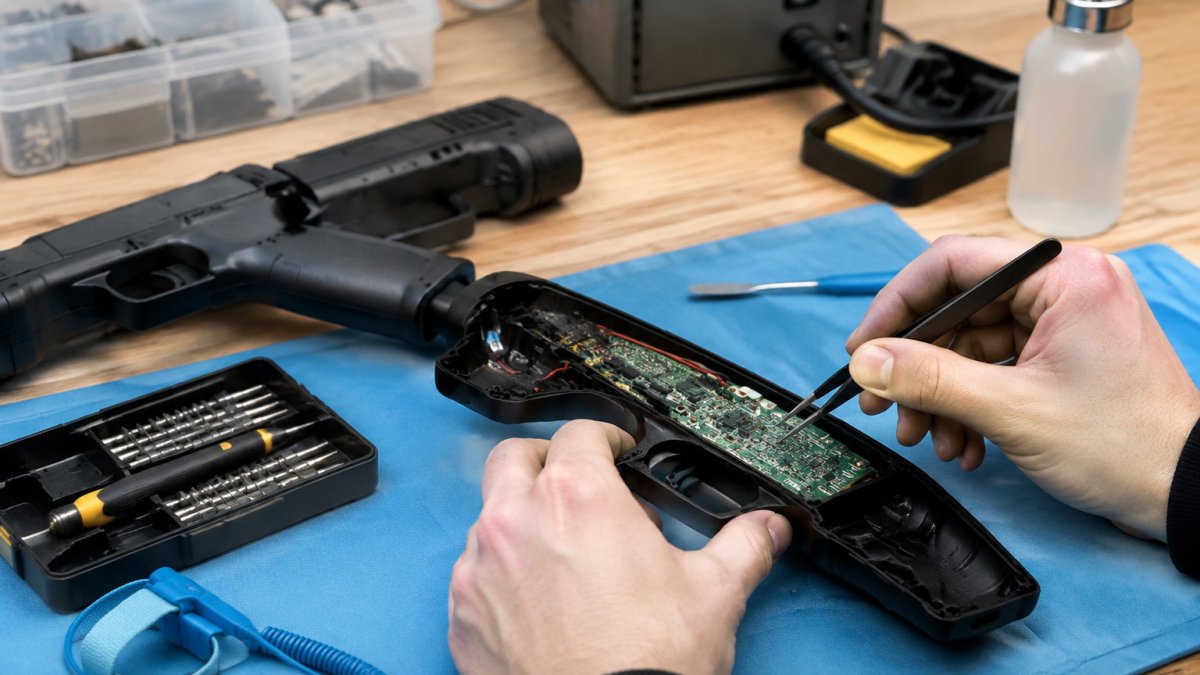
Light guns are designed to work with specific games and systems. When you're adding a light gun mod to your build, compatibility is important.
Tcarterdesigns offers modifications for Retro Shooter light guns, including Aliens Pulse Rifle styles that transform standard hardware into an iconic replica.
3D Printed Light Gun Shell Options for Custom Builds
A light gun modification can transform standard hardware into an iconic replica.
Tcarterdesigns offers custom light gun modifications for Retro Shooter light guns.
Material Quality and Durability
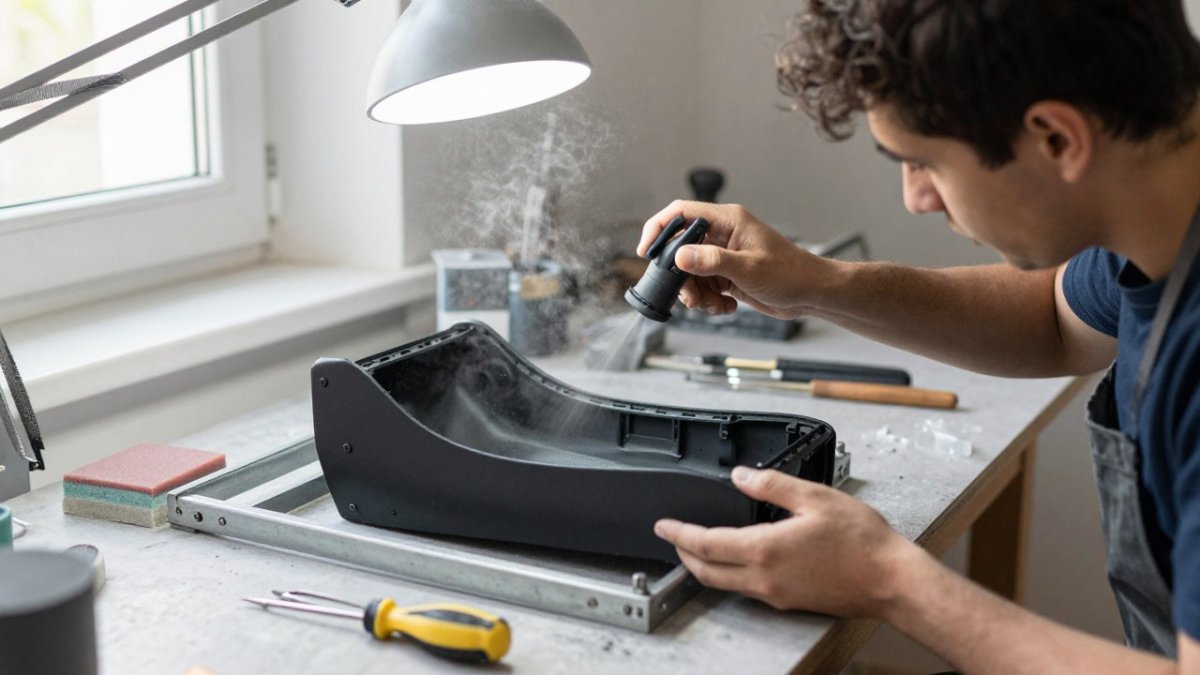
3D printed shells can be made from different materials. Resin is smooth and detailed but more brittle. PLA and PETG are stronger and more flexible. They handle regular use better and resist cracking if dropped.
Design and Aesthetic Customization
Some builders add functional details like textured grips or rail attachments. Others keep it clean and smooth. The design you choose should match how you'll use the gun.
Checking Light Gun Compatibility Before You Buy
Before buying a light gun mod, check its compatibility with your hardware.
Connector Types and Wiring Harnesses
Check the connector count. If your harness has 6 connectors but you need 8, you'll need to extend or replace it. This is more work than ordering the right harness from the start.
Fitting Your Aliens Pulse Rifle Light Gun Mod
Tcarterdesigns offers Aliens Pulse Rifle-style light gun modifications.

Wiring, Encoders, and Controller Interface Basics
Your choice depends on what you're plugging into. A PC build needs a USB encoder. A bartop arcade cabinet might need JAMMA or a USB encoder with the right adapter.
Understanding Encoder Types
Wireless encoders use Bluetooth or 2.4GHz radio. They're convenient but need batteries and add latency. For competitive play, a wired encoder is more reliable.
Cable and Connector Selection
Cable length matters. Too short and you can't reach your encoder. Too long and you have excess bundled inside your cabinet. Plan your layout before ordering cables.
Step-by-Step Assembly: Installing Your Arcade Controller Parts
Building your controller is straightforward if you follow the right order. Rushing or skipping steps causes problems later.
What You'll Need Before Starting
Arcade buttons (quantity depends on your layout)
Joystick with shaft and balltop
Encoder
Wiring harness with connectors
Screwdriver (usually Phillips head)
Small pliers or crimpers for connectors
Dust washer (for joystick protection)
Installing Buttons and Joystick Components
Add the dust washer around the shaft at the base. This keeps dust out of the internal switches.
Wiring and Testing Your Setup
If a button doesn't work, check the connector. Reseat it. If it still doesn't work, test with a different button to isolate the problem.
Common Mistakes to Avoid During Assembly
Component | Purpose | Installation Time | Replacement Difficulty |
Arcade buttons | Input registration | 2-3 minutes each | Very easy |
Joystick | Movement control | 5-10 minutes | Moderate |
Dust washer | Protect joystick | 1 minute | Very easy |
Encoder | Signal processing | 5 minutes | Moderate |
Wiring harness | Connectivity | 10-15 minutes | Moderate |
Light gun shell | Aesthetic mod | 10-20 minutes | Easy to moderate |
Tcarterdesigns specializes in custom light gun modifications for Retro Shooter light guns, including Aliens Pulse Rifle and custom shotgun styles. The modifications are designed to be easy to install and enhance the look and immersion of arcade-style gaming.
Frequently Asked Questions
Which arcade controller parts do I need to customize a retro shooter light gun?
Tcarterdesigns offers custom modifications for Retro Shooter light guns, including Aliens Pulse Rifle and custom shotgun styles.
How do I check whether a light gun accessory fits my controller?
Check the product information for compatibility with your hardware before buying a light gun modification.
Can I install custom light gun parts without modifying the original hardware?
Tcarterdesigns offers easy-to-install modifications for Retro Shooter light guns. Check the product information for installation details.
What should I consider when choosing a 3D-printed light gun shell?
Tcarterdesigns offers custom light gun modifications, including Aliens Pulse Rifle and custom shotgun styles, designed to be easy to install.
Building your arcade controller parts setup transforms how you play. The components you choose determine responsiveness, durability, and how immersive your experience feels. Take time to understand compatibility before you buy. Test your connections before you seal everything up. A few hours of careful assembly saves weeks of troubleshooting later. Start with quality parts, follow the steps in order, and you'll have a controller that feels professional and plays exactly how you want it to.
Shop
Add tcarterdesigns.com as a preferred source on Google →
Comments