


Sinden Light Gun Alternative: Best Options for 2026
Table of Contents
Why Players Look for a Sinden Light Gun Alternative
Quick Comparison: Top Sinden Alternatives for 2026
GUN4IR vs Sinden: DIY Precision vs Plug-and-Play
Building a GUN4IR Setup from Parts
Where Sinden Still Wins
Retro Shooter Light Gun Performance: RS3 Reaper Tested
How We Actually Test Latency (Not Just 'It Feels Snappy')
Emulator-by-Emulator Behavior
The Software-Agnostic Configuration Layer
What the RS3 Reaper Does Well, and Where It Falls Short
AimTrak: The Established Optical Sensor Option
Choosing the Best Light Gun for Arcade Cabinet Builds
The Geometry Nobody Explains: FOV, Distance, and Screen Size
Distance and Screen Size: A Working Table
Sensor Bar and Camera Placement Mechanics
Software-Agnostic Configuration for Cabinet Builds
Matching the Gun to the Cabinet, Not the Reputation
Custom Mods and Durability: Making Your Alternative Last
Conclusion: Which Sinden Alternative Fits Your Setup?
Frequently Asked Questions
Last Updated: October 7, 2026
Why Players Look for a Sinden Light Gun Alternative
A Sinden light gun alternative appeals to players who want light gun gaming without border-based tracking.
The search usually starts the same way: someone finishes a Batocera build, plugs in a Sinden, and finds border calibration fussier than expected, or wants two guns for house of the dead sessions and the budget does not stretch.
Below, we break down GUN4IR, the Retro Shooter RS3 Reaper, and AimTrak, plus how each handles latency, calibration, and cabinet builds.
Key Takeaway There is no single best Sinden alternative. The right pick depends on whether you value plug-and-play simplicity, DIY precision, or a ready-made arcade feel.
Quick Comparison: Top Sinden Alternatives for 2026
The three main Sinden alternatives in 2026 are GUN4IR, the Retro Shooter RS3 Reaper, and AimTrak, each solving the tracking problem differently.
Option | Tracking Method | Setup Style | Best For |
GUN4IR | Infrared tracking | DIY assembly | Tinkerers who want precision |
Retro Shooter RS3 Reaper | Optical sensor | Plug and play | Emulation on Batocera, Windows, TeknoParrot |
AimTrak | Optical sensor bar | Established hardware | PC setups wanting a proven option |
GUN4IR uses infrared tracking with a camera-based sensor. The RS3 Reaper ships as a finished gun aimed at emulation users. AimTrak is the older, well-known optical sensor route. Prices vary by region and reseller, so check current listings before you commit.
GUN4IR vs Sinden: DIY Precision vs Plug-and-Play
GUN4IR is a light gun system built around infrared tracking, and it appears in multiple PC light gun guides as a direct Sinden alternative.
Retro Ralph
GUN4IR rewards players who enjoy the build: you source parts, assemble the gun, and configure the driver yourself. The payoff is tight tracking and full hardware control; the cost is time and troubleshooting.
Building a GUN4IR Setup from Parts
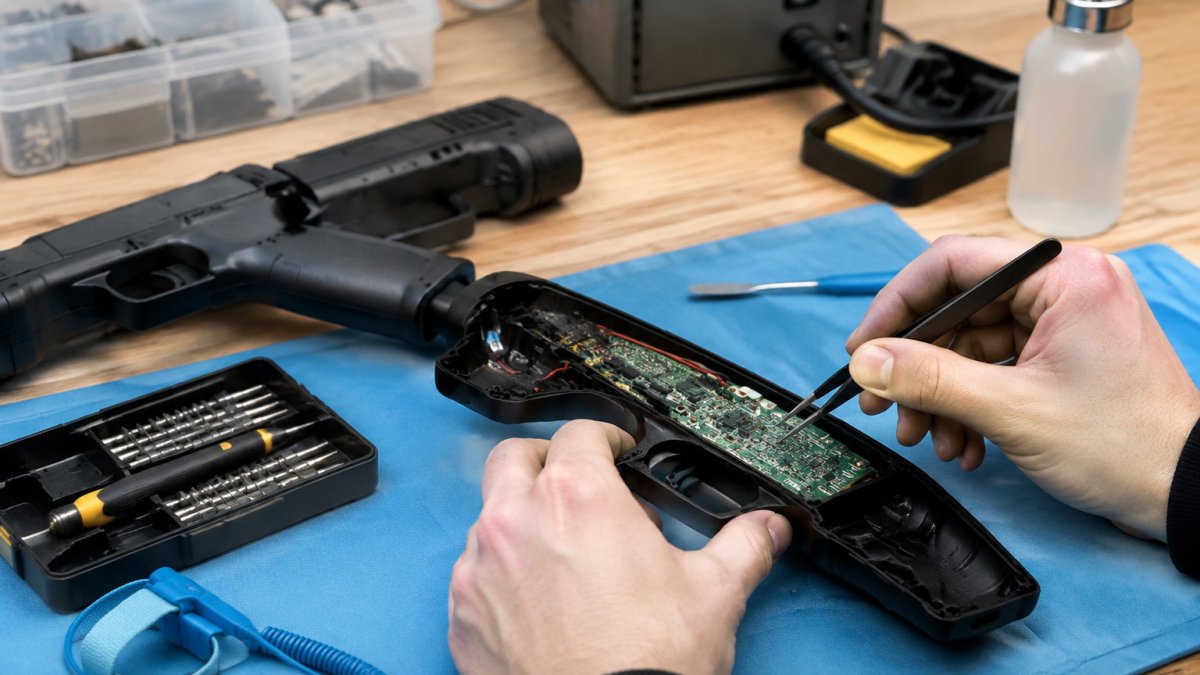
A GUN4IR build means sourcing a compatible shell, sensor hardware, and control board, then wiring it together. Community discussions describe it as something you assemble rather than unbox, and it can be expensive unless you build it yourself.
If you go the DIY route, expect to:
Source the sensor and LED components separately
Flash firmware and map the controller in your emulator front end
Fine-tune the field of view and dead zone for your screen
The upside is repairability. If a part fails, you replace that part, not the whole gun.
Where Sinden Still Wins
Sinden keeps an edge in one area: it is a single, supported product with a known setup path. If you want one box, one manual, and one company to contact when something breaks, Sinden is the simpler buy. GUN4IR's flexibility is also its friction.
Retro Shooter Light Gun Performance: RS3 Reaper Tested
Retro Shooter light gun performance centers on the RS3 Reaper, a gun compared directly against Sinden across Batocera, Windows emulation, and TeknoParrot, the environments most retro players actually use. Where Sinden needs a border and careful calibration, the RS3 Reaper aims for plug-and-play: pair it, map it, play.
How We Actually Test Latency (Not Just 'It Feels Snappy')
Most reviews on this topic are anecdotal, "it feels responsive" is not a measurement.
The high-speed camera method. Point a phone or camera capable of 240 fps or 960 fps at the screen. Fire the gun.
The audio-loop method. Route the gun's trigger click and the game's shot sound into the same recording.
What actually drives the number. Four things dominate:
Display response time. A 60 Hz panel adds roughly 16.7 ms per frame of scan-out. A 120 Hz panel halves that. This is usually the single largest contributor.
USB polling rate. A gun polling at 125 Hz (the default for many USB HID devices) can add up to 8 ms of jitter. Forcing 1000 Hz polling on the port, where the gun firmware supports it, tightens the distribution.
Emulator frame pacing. MAME and RetroArch both buffer input. Disabling vsync in the emulator and letting the display handle sync, or enabling low-latency mode where available, typically shaves one to two frames.
A common pattern across community reports: the gun itself is rarely the slowest link, the display and the emulator's input buffering usually are.
Emulator-by-Emulator Behavior
The RS3 Reaper does not behave identically across every front end, what changes is how each emulator handles absolute vs. relative pointing and maps the gun's axes.
MAME. Treats the gun as an absolute pointing device. Works well once you map X and Y in the input menu and disable any mouse acceleration. MAME's own input polling is the main variable.
RetroArch. Uses the udev or dinput driver depending on your build. The udev driver generally gives lower latency on Linux-based Batocera images. Set the gun as a light gun device, not a mouse, or you will get cursor drift.
TeknoParrot. Aimed at arcade titles like House of the Dead: Scarlet Dawn and Let's Go Island. TeknoParrot expects a specific gun device profile; mapping the RS3 Reaper as a generic mouse works but loses per-player calibration.
What most guides miss is how much the front end affects the experience: a gun that feels great in one emulator can feel sluggish in another if refresh rate synchronization is off.
Watch Out Skipping refresh rate synchronization in your front end is the most common cause of "my gun feels laggy" complaints. Match the gun's polling rate to your display before blaming the hardware.
The Software-Agnostic Configuration Layer
Hardware reviews stop at the gun, but the software wrapper layer determines whether your setup works across ten emulators. Two approaches dominate:
Per-emulator mapping. Map the gun natively in each emulator. Highest fidelity, most work, and the only option for emulators that do not expose a generic input API.
A universal wrapper. Tools like XOutput, ViGEm, or a custom AutoHotkey script present the gun to every emulator as a standard gamepad or mouse. One configuration, many emulators. The trade-off is an extra translation layer that can add a frame of latency and can break per-player calibration in titles that expect a native light gun device.
For a cabinet running a dozen systems, the wrapper is usually the pragmatic choice; for a single-game build, native mapping wins on latency and accuracy. Test both on your hardware, the wrapper's overhead is small on a fast CPU and noticeable on a low-power mini PC.
What the RS3 Reaper Does Well, and Where It Falls Short
Strengths: no screen border required, works on LCD and OLED panels, ships as a finished gun, and the emulation-focused firmware means Batocera and Windows users are not fighting the device.
Limits: the optical sensor is sensitive to ambient IR and reflective surfaces near the screen, a glossy TV bezel or a window behind the player can cause drift.
AimTrak: The Established Optical Sensor Option
AimTrak is a light gun product named as a PC comparison option alongside Sinden and GUN4IR. It uses an optical sensor and a sensor bar, a tracking approach that predates the border method Sinden popularized.
Its appeal is familiarity: AimTrak has been part of PC light gun conversations for years, so there is a deep pool of forum threads and configuration notes to draw on.
Choosing the Best Light Gun for Arcade Cabinet Builds
The best light gun for arcade cabinet builds matches your cabinet's screen size and standing distance. Most buyers get this wrong: they pick a gun on reputation, then discover it does not track well at their cabinet's actual dimensions.
The Geometry Nobody Explains: FOV, Distance, and Screen Size
Light gun tracking is a geometry problem, and the math is simple enough to do before you buy.
Camera FOV. A gun camera with a 60° horizontal FOV sees the whole screen as long as its angular size is under 60°.
The practical rule. Most practitioners find that a screen should occupy at least roughly a third of the gun camera's horizontal FOV for reliable edge tracking.
Distance and Screen Size: A Working Table
These are approximate standing distances that keep common screen sizes inside a comfortable tracking envelope for border-based and optical systems. They assume a camera FOV in the 50-70° range, which covers most consumer light guns.
Screen size (16:9) | Approx. width | Comfortable standing distance |
32 in | 0.71 m | 1.0-1.8 m |
43 in | 0.95 m | 1.3-2.4 m |
55 in | 1.22 m | 1.7-3.0 m |
65 in | 1.44 m | 2.0-3.6 m |
75 in | 1.66 m | 2.3-4.1 m |
Two caveats: these are starting points, not guarantees, since the gun's camera and firmware shift the envelope; and sitting closer than the low end is usually fine for accuracy but can push the screen outside the camera's FOV, causing the classic "crosshair stops at the edge" symptom.
Sensor Bar and Camera Placement Mechanics
Placement is where cabinet builders lose accuracy they already paid for.
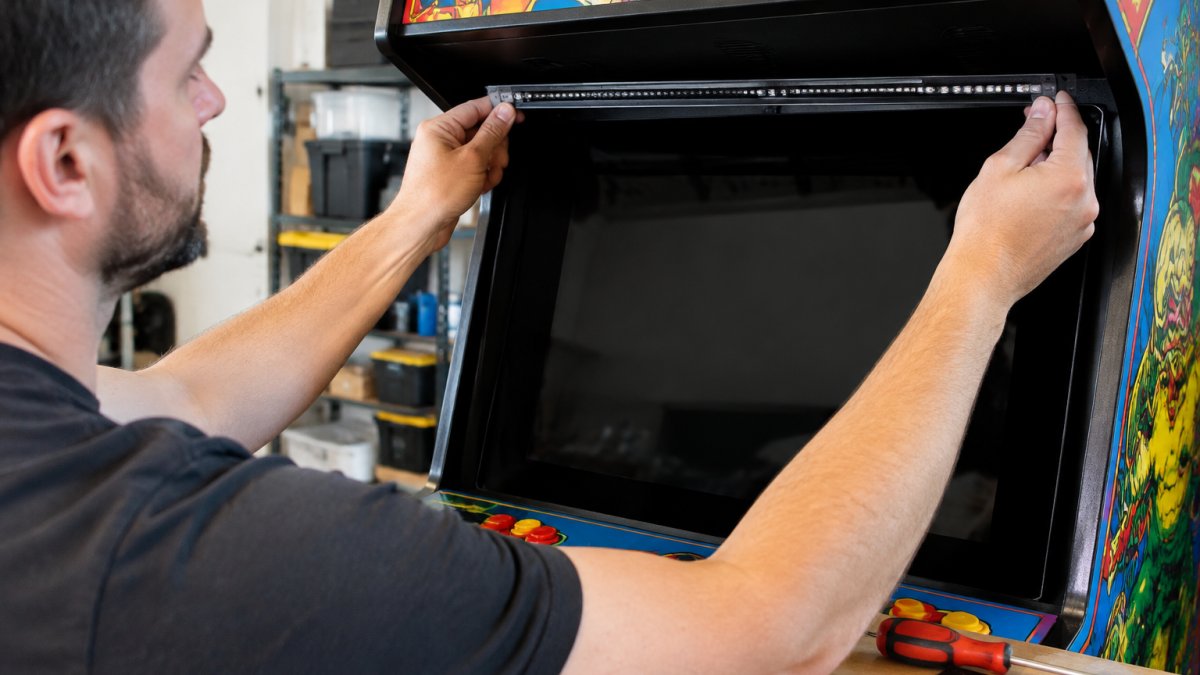
Center the sensor bar horizontally with the screen. Off-center placement skews the tracking plane and forces the gun to compensate, which shows up as a consistent bias toward one side.
Keep the bar at a consistent height relative to the screen. Above the screen is the most common choice because it clears the cabinet's control panel and marquee. Below the screen works but is more sensitive to the player leaning over the panel.
Avoid IR interference. Direct sunlight, halogen bulbs, and some LED fixtures emit in the same band the gun camera uses. A window behind the player is the worst case, the camera sees the bright window and the dim sensor LEDs, and tracking drifts. Heavy curtains or a shade solve it.
Pro Tip Tape a temporary marker at your natural standing spot before you mount anything. It stops you from calibrating to a position you will never actually play from.
Software-Agnostic Configuration for Cabinet Builds
A cabinet usually runs more than one emulator, and the gun has to work in all of them.
Option 1: Native mapping per emulator. Map the gun directly in MAME, RetroArch, TeknoParrot, PCSX2, and DuckStation.
Option 2: A universal wrapper. Present the gun to every emulator as a standard mouse or gamepad using XOutput, ViGEm, or a custom AutoHotkey script.
For a cabinet, the wrapper is usually the pragmatic default; for a single-game build, native mapping wins.
Matching the Gun to the Cabinet, Not the Reputation
Run the geometry first: measure your screen width and natural standing distance, compute the angular size, and compare it to the gun's stated FOV. Then pick the tracking method that fits:
Border-based systems (Sinden-style) need the full border visible to the camera. Great on a desk monitor, fussy on a cabinet with a tight bezel.
Optical sensor-bar systems (AimTrak-style) need a centered bar and a clear line of sight. Sensitive to distance and screen size, but proven and well-documented.
Infrared tracking systems (GUN4IR-style) need the IR LED array positioned around the screen and a camera in the gun. Most flexible for odd cabinet shapes, most work to set up.
A gun that tracks perfectly at two meters may drift at four. Measure before you buy, and you will skip the most expensive mistake in this hobby.
Custom Mods and Durability: Making Your Alternative Last
Durability separates a display piece from a gun you actually play with. That is where custom mods come in.

At Tcarterdesigns, we build easy-to-install modification kits that transform Retro Shooter hardware into iconic replicas, including shotgun and pulse rifle styles.
A common mistake is treating mods as cosmetic only: a well-fitted shell improves grip and recoil feel, changing how the gun handles during long sessions.
Best For Retro Shooter owners who want an arcade-authentic look without rebuilding the internals. Our mods keep the electronics intact and change the shell.
Conclusion: Which Sinden Alternative Fits Your Setup?
The honest answer depends on your priorities. Want zero assembly? The Retro Shooter RS3 Reaper is the closest thing to plug and play. Want maximum control and repairability? GUN4IR rewards the effort. Want a proven optical option?
Whichever you choose, the shell is what you look at every session. That is where Tcarterdesigns comes in. Our custom light gun mods for Retro Shooter hardware deliver professional-grade aesthetic upgrades, immersive replica designs, and easy-to-install kits that keep your electronics safe.
Frequently Asked Questions
Are Sinden light guns worth it compared to DIY alternatives?
It depends on how much setup work you want. Sinden guns work without a sensor bar and handle LCD displays well, which suits plug-and-play arcade builds. DIY options like GUN4IR can match or beat that accuracy, but you assemble the hardware yourself and tune the software. Community reports describe GUN4IR as expensive unless you self-build. If you enjoy tinkering, DIY saves money; if you want to play this weekend, Sinden is the simpler path.
Which is better, the Sinden or the GUN4IR?
They target different builders. Sinden is a finished product with a software driver and calibration utility ready out of the box. GUN4IR is a parts-based system you assemble, which gives you control over the sensor, recoil, and shell but demands more time. In PC light gun comparisons, both appear as top options. Pick Sinden for convenience, GUN4IR if you want to customize every component and do not mind sourcing parts.
Do I need a sensor bar for all light gun alternatives?
No. Sinden and GUN4IR track the screen itself using infrared tracking and a camera, so no sensor bar is required. AimTrak uses a sensor bar mounted above or below the display, similar to older console setups. That means AimTrak needs careful bar placement and a clear line of sight, while camera-based alternatives only need a well-lit screen within the gun's field of view.
What is the best light gun for a custom arcade cabinet?
Match the gun to your cabinet's screen and space. For a standard LCD display in a home cabinet, Sinden or a Retro Shooter gun like the RS3 Reaper keeps wiring simple. For a larger screen at longer distance, check the gun's field of view and minimum distance before buying. If you want a themed build, custom shells and mod kits let you swap the look while keeping the same electronics.
How does the AimTrak compare to modern optical light guns?
AimTrak is an established option named alongside Sinden and GUN4IR in PC light gun guides. It relies on a sensor bar, so setup involves positioning that bar correctly and managing cables. Modern camera-based guns like Sinden and GUN4IR remove the bar and often handle LCD displays more easily. AimTrak remains a solid choice for retro CRT setups or cabinets already wired for a sensor bar.
Shop
Comments