


Blamcon vs Sinden Light Gun Performance Compared
Last Updated: October 28, 2026
Quick Summary
Blamcon and Sinden light gun performance both deliver accurate aiming on a flat screen, but they differ in tracking approach. Sinden requires a visible screen border as an on-screen reference, while Blamcon uses camera-based aiming without that border requirement. Neither wins outright; the better choice depends on your patience and display.
Sinden uses a visible border around the display as an on-screen reference for camera tracking.
Blamcon relies on camera-based aiming and does not require the border.
Test both guns at your real play distance, since aim can drift at 3 m.
Glare, overscan, off-center cameras and busy USB hubs cause most accuracy complaints.
Back up emulator configs per core so updates do not wipe your calibration.
Table of Contents
Blamcon vs Sinden: A Performance Overview
Comparing blamcon vs sinden light gun performance comes down to how each system finds your shot. Blamcon and Sinden both track a light gun on a modern screen, but they get there by different routes, and that difference shapes everything from setup time to how the gun feels in your hand. At Tcarterdesigns, we specialize in custom light gun mods designed to elevate your gaming experience.
Here is the short version. Both systems aim at the same goal, pixel-perfect accuracy on a flat screen without an old CRT. They differ in calibration, border requirements, and how much fiddling they demand.

Factor | Blamcon | Sinden |
Tracking approach | Camera-based aiming | Camera tracking with an on-screen reference |
Screen border | Not the defining feature | Visible border bars required |
Calibration | Part of setup | Part of setup, border-dependent |
Best for | Tinkerers who want control | Players who want a broad game library |
Our take: neither wins outright. The better choice depends on your patience and your display.
Blamcon vs Sinden Setup: What to Expect
Setup is where the two systems part company fastest. Blamcon vs Sinden setup tends to follow the same shape, mount the camera or receiver, point it at the screen, then calibrate. Sinden adds a step that defines the whole experience: the border.
Expect to spend an evening on either system the first time. Both reward a careful mount over a rushed one. A camera that sits slightly off-axis or too close to a lamp will cost you accuracy later, and you will blame the gun when the real problem is placement.
A common mistake is calibrating once and never revisiting it. Move the TV, change the viewing distance, or shift the room lighting, and your aiming consistency drifts. Recalibrate after any change to the room.
The Sinden Light Gun Screen Border Explained
The Sinden light gun screen border is the detail that decides whether Sinden suits your room. Sinden uses a visible border around the edge of the display as an on-screen reference for its camera tracking (Details). The camera watches that border to work out where the gun is pointing, which is how the system holds accuracy on a flat panel.
The trade-off is real. Those border bars sit on top of your game, and some players find them distracting. Sunlight and other bright light sources can also interfere with tracking, so a room with a window behind the screen is a harder environment than a dim arcade corner.
If you can live with the border, Sinden's approach is stable. If a clean, borderless image matters to you, that is the first thing to weigh.
PC Light Gun Accuracy and Latency: The Deciding Factors
Most comparisons of PC light gun accuracy and latency stop at "camera placement matters." That is true, but it is not useful. The gap in every ranking article is a repeatable way to actually measure the difference between Blamcon and Sinden on your own setup. Here is a protocol you can run in an afternoon, plus the failure cases that explain most "bad accuracy" complaints.
A simple side-by-side test you can reproduce. Pick one game with a static target range, a shooting-gallery stage in a light-gun title works well. Set both guns to the same resolution and viewing distance. Fire 20 shots at a fixed target from a rested position, then 20 shots standing. Log where each shot lands relative to the crosshair. Repeat at three distances: roughly 1.5 m, 2.5 m, and 3.5 m from the screen. This is not lab-grade, but it exposes the two things that actually differ: how consistently each system returns to center after a shot, and how much the aim drifts when you move your feet.
Where accuracy breaks first. In practice, the usual culprits are:
Glare and stray light. A window behind the play area or a glossy floor lamp will pull a camera-based tracker off target. Sinden's border reference helps it recover, but bright reflections on the screen edge still cause missed shots. Blamcon's camera-based aiming is equally sensitive to a washed-out image.
Screen borders and overscan. Sinden depends on a clean, visible border; if your display crops the edges or your GPU applies overscan, the border reference shrinks and accuracy degrades. Blamcon does not require the border, but it still needs the full screen area visible to its camera.
Camera angle and distance. A camera mounted off-center or too close to the screen stretches the tracking geometry. Both systems calibrate around this, but the further off-axis you go, the more the aim drifts at the edges of the screen.
Refresh rate and USB path. A gun sharing a busy USB hub with a capture card or external drive can show input lag that looks like tracking error. Move it to a direct port before you blame the hardware.
Latency, honestly. Neither system publishes a measured end-to-end latency figure, and most "latency" complaints trace back to display lag, emulator frame pacing, or a wireless keyboard-style receiver in the chain. Test one variable at a time: same game, same distance, same lighting, change only the gun. If the difference is not obvious in fast arcade stages, it probably will not matter in slower shooting-gallery titles. Firmware updates and a clean wired connection are the two levers most players actually control.
Pro Tip Run your first comparison at the distance you will actually play from. A gun that feels crisp at 1.5 m can feel vague at 3 m, and that is the distance most living-room setups use.
Light Gun Compatibility with Batocera and Other Emulators
Light gun compatibility with Batocera and other emulators is where the hobby gets messy. Emulator support varies by build, by core, and by how the gun presents itself to the system. A title that runs perfectly on one setup can refuse to register shots on another.
The practical path is to confirm support for your specific emulator and game before you buy, not after. Community wikis and setup guides are more current than most product pages. Configuration usually means mapping the gun as a mouse or a light gun device inside the emulator, then saving that profile per core. Once it works, back up the config so a future update does not wipe your work.
Reliability, Support, and Total Cost of Ownership
Total cost of ownership is the angle most comparisons skip, and it is where the two systems diverge in ways that matter after the honeymoon. The purchase price is only the first line item. The real cost is the time you spend calibrating, the accessories you add, and how long the hardware survives regular use.
What actually drives cost. For either system, budget for the gun itself, any required mount or receiver, a stable USB connection, and the time to calibrate. Sinden's border requirement means you may also need to adjust display settings or accept a border overlay; Blamcon's camera-based approach may push you toward a better mount to keep the camera steady. Neither system publishes a single "complete kit" price that covers every room, so compare what is in the box before you assume one is cheaper.
Reliability patterns to watch. A common pattern in community reports is that tracking problems are usually setup problems, not hardware failures. The guns themselves tend to hold up; the weak points are cables, mounts, and calibration profiles that get wiped by an emulator update. Back up your config per core and label your calibration profiles by room and distance. That single habit prevents most "it worked yesterday" frustration.
Support and documentation. Check whether the manufacturer publishes firmware updates and setup guides that match your emulator version. Community wikis and forums are often more current than product pages, but they vary in quality. Before you commit, look for recent posts about your specific emulator and game, not just the gun.
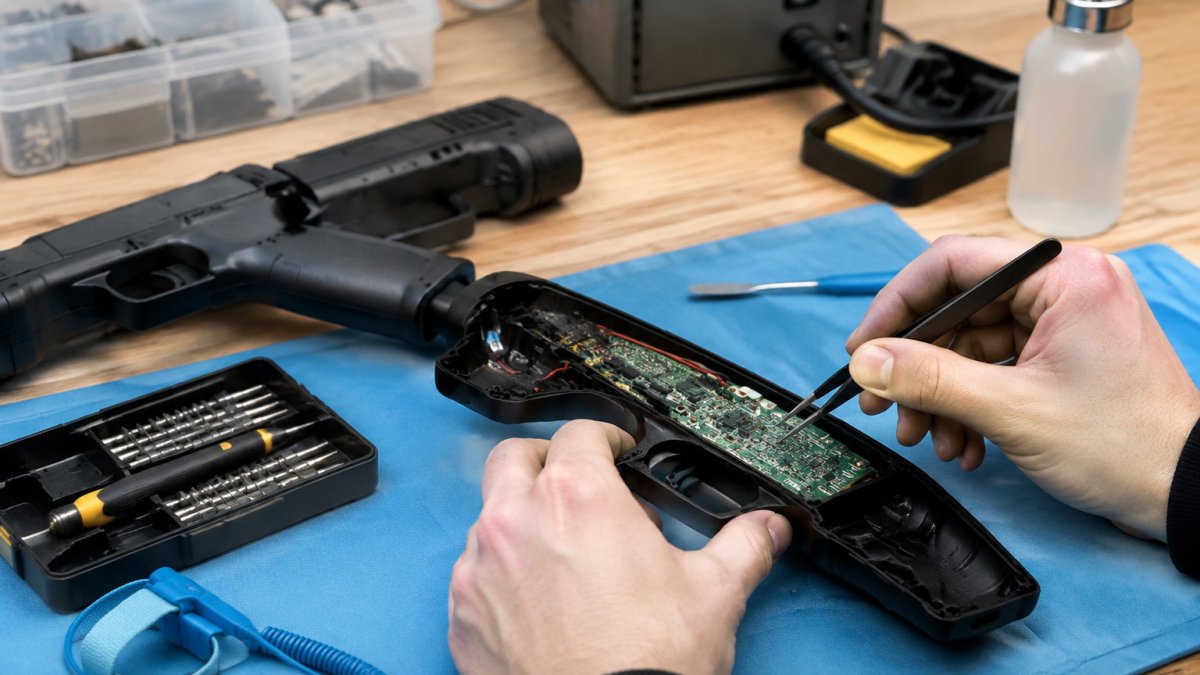
Failure cases worth knowing. Opening a gun to install a mod without dry-fitting first is the fastest way to crack a shell or pinch a wire. If you plan to customize, read our guide on how to mod Sinden light gun recoil, triggers and shells before you open anything. And if you are weighing a Sinden, it helps to browse Sinden products directly so you know what accessories and spares exist.
Watch Out Do not assume a warranty covers mods. Check the terms before you open a shell, and dry-fit every part before committing.
The long-term view. The system that wins on total cost is the one you calibrate once and stop thinking about. If your room has controllable lighting and a fixed play distance, both systems can settle into a stable routine. If your setup changes often, prioritize the system with the simpler recalibration path for your display.
Choosing Your Light Gun Hardware for a Home Arcade
Choosing hardware for a home arcade starts with your display and your patience. If you want a broad library and can accept border bars, Sinden is a strong fit. If you want to tune every variable yourself, Blamcon gives you more rope.
Then think about the gun itself. Tracking gets you accurate shots, but the shell is what you actually hold. Our easy-to-install modifications for Retro Shooter light guns include pulse rifle and shotgun styles. If you are finalizing a cabinet build, our guide to the best light gun for an arcade cabinet walks through the hardware decision.
Still comparing? Our Sinden vs GUN4IR comparison covers another major alternative, and our roundup of the best Sinden light gun alternatives lays out the full field.
Frequently Asked Questions
What is the main difference between Blamcon and Sinden light guns?
The core difference lies in their tracking technology. Sinden uses a camera that reads a visible border around your screen. This affects setup, screen compatibility, and how each handles different lighting conditions.
Which light gun is easier to set up for a home arcade cabinet?
Setup difficulty depends on your technical comfort. Sinden requires calibrating the screen border. For a cabinet build, consider how the border fits your setup.
Does a Sinden light gun need a screen border to work?
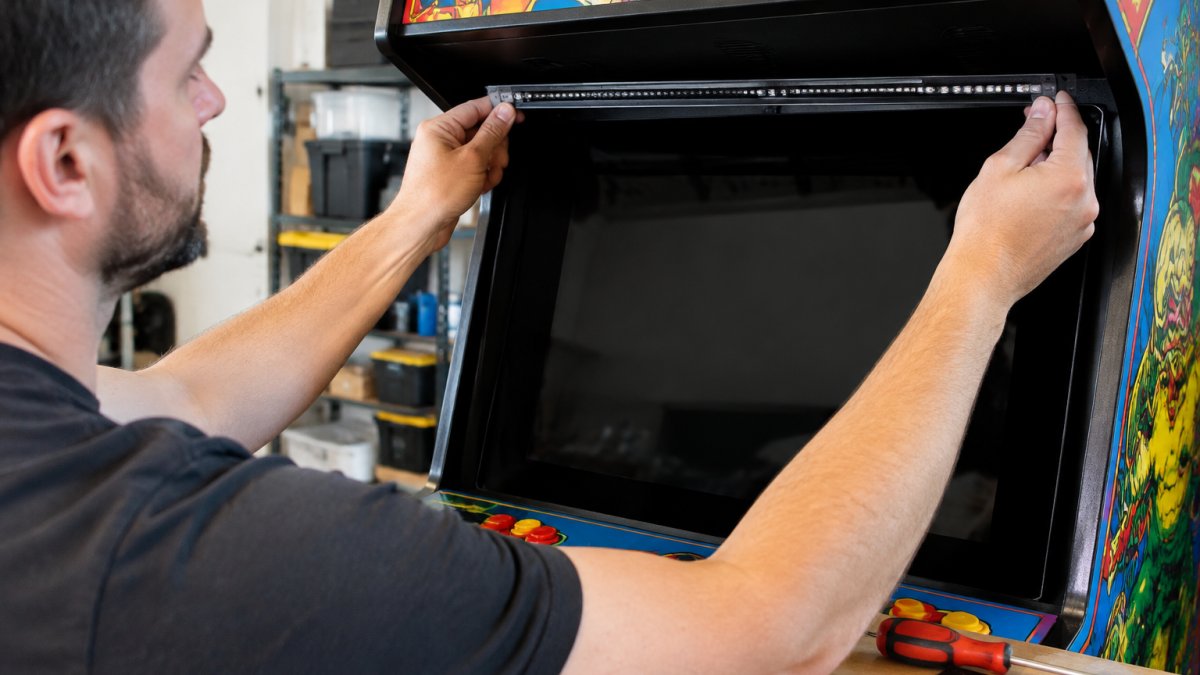
Yes, the Sinden light gun requires a visible white border around the edge of your display to track aiming. This border is read by the gun's camera to calculate position. Without it, the gun cannot function. Some users hide the border behind a cabinet bezel or use software to minimize its visibility, but it must be present for the system to work.
How can I test light gun accuracy and latency before committing?
You can test accuracy by looking for consistency in shot placement. For latency, try a game that requires quick reactions and see if the on-screen response feels delayed.
The hardest part of a light gun build is not picking a system. It is making the hardware feel like it belongs in your arcade. Tcarterdesigns builds custom mods for Retro Shooter light guns, with transformative designs including shotgun and pulse rifle styles and easy-to-install kits that leave the electronics alone. Get started with Tcarterdesigns and turn a stock gun into a centerpiece.
Comments