


10 Retro Gaming Room Decor Ideas for 2026
Last Updated: October 30, 2026
Quick Summary
The best retro gaming room decor in 2026 starts with one clear era or genre, such as 1980s arcade or 1990s home console, and builds consistency around it. Pair a matched color palette with indirect LED lighting placed away from the screen to avoid glare. Keep the room focused on a few strong pieces rather than mixing too many eras.
Decide on one era or genre before buying anything to keep the room focused.
Choose matte or eggshell paint, since gloss finishes can amplify neon reflections and wash out the screen.
Place LED strips behind furniture or inside cabinets so light bounces off the wall, not into your eyes.
Place CRT televisions on sturdy furniture, since they are heavy and can be unstable on shelves.
Check that LED strips and neon signs carry a recognized safety certification and respect connection limits.
Table of Contents
Retro gaming rooms have moved well past the old "shove the console in the spare bedroom" stage. Enthusiasts now plan these spaces the way they would a living room, choosing colors, lighting and displays with the same care. Light gun hardware and arcade-style setups are a big part of many retro rooms, so the advice below focuses on what makes a room feel right. Below, we walk through ten retro gaming room decor ideas for 2026, with a focus on what actually works in real spaces.
What Makes a Retro Gaming Room Feel Authentic
A convincing retro gaming room comes from consistency more than from any single item. A few well-chosen pieces that share a color scheme and era will read as deliberate, while a random pile of memorabilia tends to look like clutter.

Before buying anything, decide which era or genre you are celebrating. A room built around 1980s arcade cabinets calls for different colors and lighting than one built around 1990s home consoles. Settling this early keeps your purchases focused and saves money.
Watch out: Mixing too many eras in one small room is the most common mistake. It dilutes the theme and makes the space look unfinished.
1. Pick a Color Palette and Wall Treatment
Walls set the tone for the whole room, and in 2026 the strongest retro palettes are era-specific rather than generically dark. A room built around 1980s arcade cabinets reads best with deep charcoal or midnight blue as the base, accented by hot magenta, cyan, or electric yellow on a single feature wall. For a 1990s home-console vibe, muted greys and warm wood tones pair well with translucent purple or teal accents that echo the era's hardware.
Paint finish matters. Matte or eggshell finishes absorb light and reduce glare on CRT and modern displays, while gloss finishes can amplify neon and LED reflections and wash out the screen.
Checkered flooring and wood-paneled sections remain classic retro touches, but treat them as accent areas rather than full-room treatments. In smaller spaces, a single checkered rug or a wood-paneled half-wall gives the retro signal without making the room feel busy. If you rent, removable wallpaper in a checkered or geometric pattern is a practical alternative that avoids permanent changes.
Pro Tip Test paint swatches under the actual lighting you plan to use. Neon and LED colors shift how wall colors read, and a shade that looks right in daylight can turn muddy under magenta light.
2. Hang Posters, Wall Art, and Themed Displays
Posters are the quickest way to signal your theme. Choose a small number of large pieces rather than covering every surface, and group smaller items into a single display area so the eye has somewhere to rest.
Framed game art, arcade flyers and themed signs all fit this look. Keep frames consistent in style, since mismatched frames are one of the easiest ways to make a wall feel cluttered.
3. Add Neon, LED, and Ambient Lighting
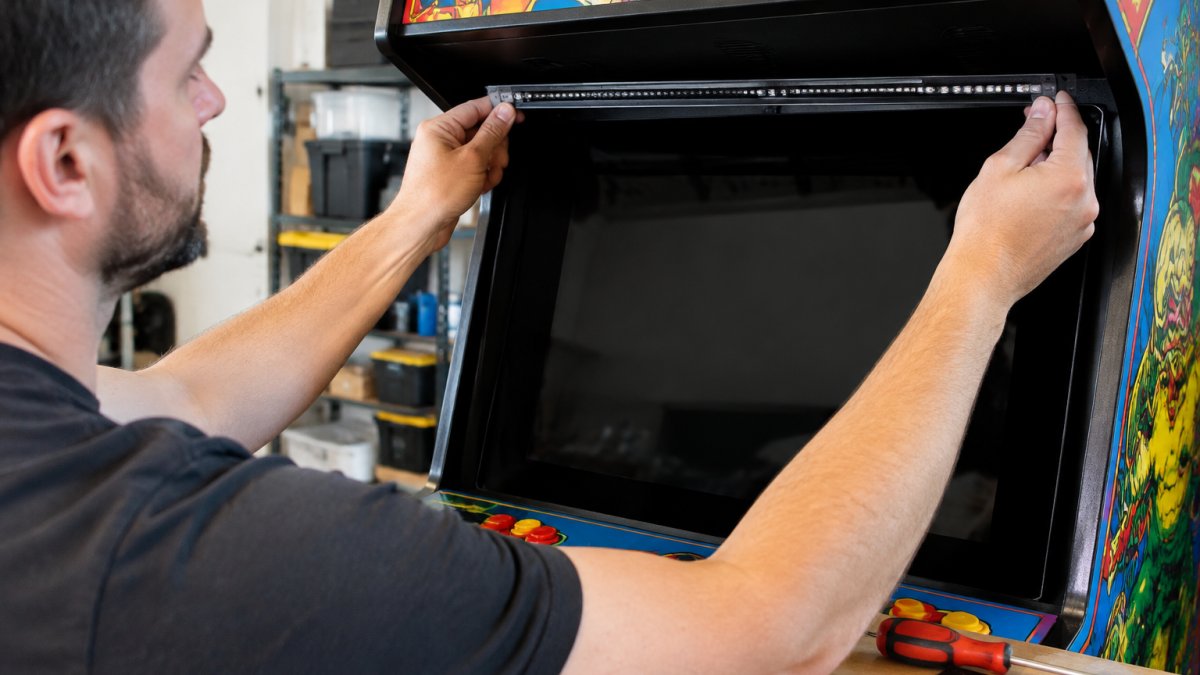
Lighting does more to create atmosphere than almost anything else, but it is also where most retro gaming rooms go wrong. The goal is indirect glow that frames the space without competing with the screen. Place LED strips behind furniture, along the back edge of shelves, or inside a display cabinet so the light bounces off the wall rather than shining into your eyes.
For 2026, common choices are warm-white or RGB LED strips with a dimmer, and neon-style signs that use LED rather than traditional glass neon. LED neon generally runs cooler and uses less power than glass neon.
Glare is the most common mistake. A light source positioned between you and the screen will reflect on both CRT glass and modern panels, especially during dark scenes. A simple test is to sit in your normal play position and look for reflections before you commit to a mounting spot. If you can see the light source in the screen, move it.
Cable management matters as much as the lights themselves. Use adhesive clips or cable raceways to route power leads along shelf edges and down wall corners, and keep power supplies off the floor where they can be kicked or exposed to spills. Dimmable lighting gives you flexibility: a bright setting suits cleaning and setup, while a low, colored glow suits late-night sessions.
Watch Out Check that any LED strip or neon sign carries a recognized safety certification for your region, and follow the manufacturer's limits on how many strips can be connected together. Overloaded circuits are a real risk in rooms with multiple consoles, displays, and lights on one outlet.
4. Build Shelves and Storage for Games and Consoles
Shelving keeps the room organized and gives your collection a place to be displayed. Wall-mounted shelves save floor space, which matters in smaller rooms. Use hanging organizers or wall cubbies for loose cartridges and accessories so they stay visible and easy to find.
Arrange displays by system or release year. This turns storage into a feature of the room rather than something you hide.
5. Set Up Consoles and CRT Displays Safely
Vintage consoles and CRT televisions are central to many retro rooms, and they need thoughtful placement. CRT sets are heavy and can be unstable on shelves, so place them on sturdy furniture that can hold their weight. Leave clear space around them for airflow, and keep cables tidy and out of walkways.
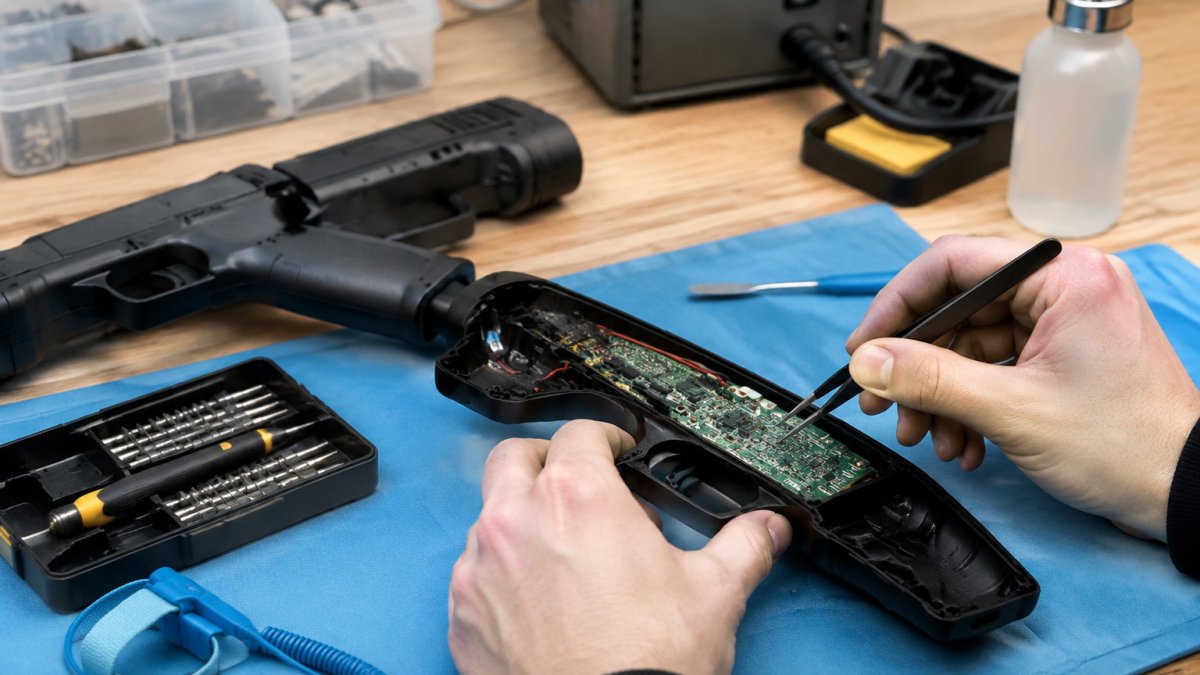
Keep power strips and cable runs away from liquids and from heat sources. Before you modify anything, see whether light gun mods will damage your electronics. If you are adding light gun hardware or modifying equipment, check that the modifications are compatible with your console and display before you wire anything together.
Vintage consoles and CRT displays need a few practical placement checks, and the article's key points are summarised below.
Item | Guidance | Note |
CRT televisions | Place on sturdy furniture | Heavy and can be unstable on shelves |
Airflow | Leave clear space around sets | Keeps equipment cooler |
Power strips and cables | Keep away from liquids and heat | Route cables out of walkways |
Light gun or modified hardware | Check compatibility first | Confirm before wiring devices together |
6. Create an Arcade-Inspired Corner
A dedicated arcade-style corner can anchor the whole room. A single cabinet or a standing light gun setup, framed by themed lighting and a poster or two, works well. You can also browse the Spas-Out holsters pair to complete the look.
Think about comfort as well. Standing or seated positions for long sessions should feel natural, and the screen should sit at a height that does not strain your neck. For more ideas, learn how to improve arcade light gun immersion. For light gun play, leave enough open floor space to move and aim without bumping furniture.
Decorating a Small Gaming Room Without Losing the Vibe
Small rooms need restraint. Choose one or two focal points, such as a wall display or a lit cabinet, and keep the rest of the room simple. Vertical storage keeps the floor clear, and mirrored or light-colored surfaces can make a tight space feel larger.
Limit the number of colors to two or three. A compact room with a clear palette will feel more intentional than a larger room with competing themes.
For 2026, a simple approach works well: start with one strong idea, build around it, and add pieces as your collection and budget grow. A retro room should feel like a place you want to spend time in, and the best ones are rarely finished in a single weekend.
Frequently Asked Questions
How do you decorate a retro gaming room?
Start with one clear theme, such as 1980s arcade or 1990s home console, and let it guide your color palette, wall decor, and lighting. Use black or deep wall colors as a base, then add posters, a few themed accents, and one or two light sources. Keep the room consistent rather than adding every decoration you find. A focused theme makes the space look intentional and is easier to stick to on a budget.
What lighting is best for a video game room?
Ambient lighting works best for most gaming rooms because it reduces glare on screens and keeps eye strain lower during long sessions. LED strips behind a TV or along shelves add color without overwhelming the room. Neon-style signs can serve as accent lighting. Keep cables tidy, use lights rated for your setup, and avoid overloading a single power strip when adding multiple lighting elements.
How can you organize a small retro gaming room?
Use wall-mounted shelves and hanging organizers to store games and accessories off the floor, which frees up space. Choose a compact desk or a corner station rather than a large console table. Vertical display options, such as wall posters and small shelves, add decor without taking up floor area. Measure your room before buying furniture so the layout leaves comfortable walking space and seating distance from the screen.
What should you put in a retro gaming room?
Common additions include a retro console display, classic game collectibles, arcade-style posters, a comfortable gaming chair, and lighting that suits the theme. Add a CRT or a modern display depending on the games you play, and keep cables and power supplies organized. Choose pieces you actually use or enjoy looking at, since a well-chosen mix usually looks better than a crowded collection.
Comments